DRAFTING
Write your pleadings in Markdown, not Microsoft Word
Markdown is plain text with a few simple symbols. It takes about five minutes to learn, and it turns the hours you spend fighting line numbers and tab stops back into hours spent on your argument.
THE BASICS
So what is Markdown?
Markdown is a way of writing where a few ordinary punctuation marks carry meaning. Put two asterisks around a phrase and it comes out bold. Start a line with a hash and it becomes a heading. That is genuinely most of it.
It was created in 2004 by John Gruber, with Aaron Swartz, on one principle: the plain text should still be perfectly readable before any formatting is applied. Two decades later it is how a very large share of the internet is written, and if you have ever typed *emphasis* into a message to make a point, you have already written Markdown without being told its name.
The reason it matters for legal drafting is not that it is trendy. It is that it keeps what you WROTE separate from how it is LAID OUT. You handle the words. The software handles the pleading paper, and it redoes that layout perfectly every single time you type a character.
THE WHOLE VOCABULARY
**served on May 3**
→
served on May 3
_Smith v. Jones_
→
Smith v. Jones
**_time is of the essence_**
→
time is of the essence
`24STCV01234`
→
24STCV01234
# FINDINGS
→
1. FINDINGS
Centered on the page, and the section number is added for you.
## Custody evaluation
→
1.1. Custody evaluation:
1. The parties married.
→
1.1.
The parties married.
Numbered from the section it sits under, not from what you typed.
- Bank statements
→
•
Bank statements
> quoted material
→
quoted material
LIVE DEMO
Try it for yourself
This is the real renderer, the same one inside the app. Change the text on the left and the document rebuilds itself. Delete a section and watch the numbering catch up.
LIVE EDITOR
YOU WRITE
YOU GET
Starting the renderer
THE PROBLEM
Why a word processor fights you on pleading paper
Microsoft Word is a fine tool for a letter. Pleading paper is a different problem, and it is one Word was never designed to solve.
◆
Pleading paper is 28 numbered lines down the left margin, and every line of your text has to sit exactly on one of them. Add a sentence on page 2 and the numbering drifts out of alignment for the next twelve pages.
◆
Courts govern the margins, the typeface, and the point size, and the rules differ from one court to the next. A template that started out correct does not stay correct once three people have edited it.
◆
Renumbering is manual. Add a new paragraph 12 and you are hand-editing every cross reference after it, or trusting a field-code feature that breaks the moment the document is emailed.
◆
Copy anything in from an email, a PDF, or a prior filing and it arrives carrying its own fonts, spacing, and list styles. Cleaning that up is its own afternoon.
◆
You end up editing the FORMAT when you should be editing the ARGUMENT. That is the real cost, and it is worst for the people who can least afford it.
THE PART PEOPLE DO NOT EXPECT
Numbering that renumbers itself
This is the feature that changes how drafting feels. In ProPera Legal your headings and numbered allegations take their number from where they sit in the document, not from what you typed.
1.
You write "# FINDINGS" as a heading. It becomes section 2 because it is the second heading in the document.
2.
You write your allegations as "1." on each line. They become 2.1., 2.2., 2.3., taking their number from the section above them.
3.
You add a subsection with "## Custody evaluation". It becomes 2.1., and allegations under it become 2.1.1., 2.1.2.
4.
You move a whole section to the top. Everything renumbers itself. You did not touch a single number.
Write "1." at the start of every allegation and never think about it again. The outline does the counting. That one behavior removes the single most tedious and most error-prone task in assembling a motion.
HOW IT WORKS
From plain text to a court-ready filing
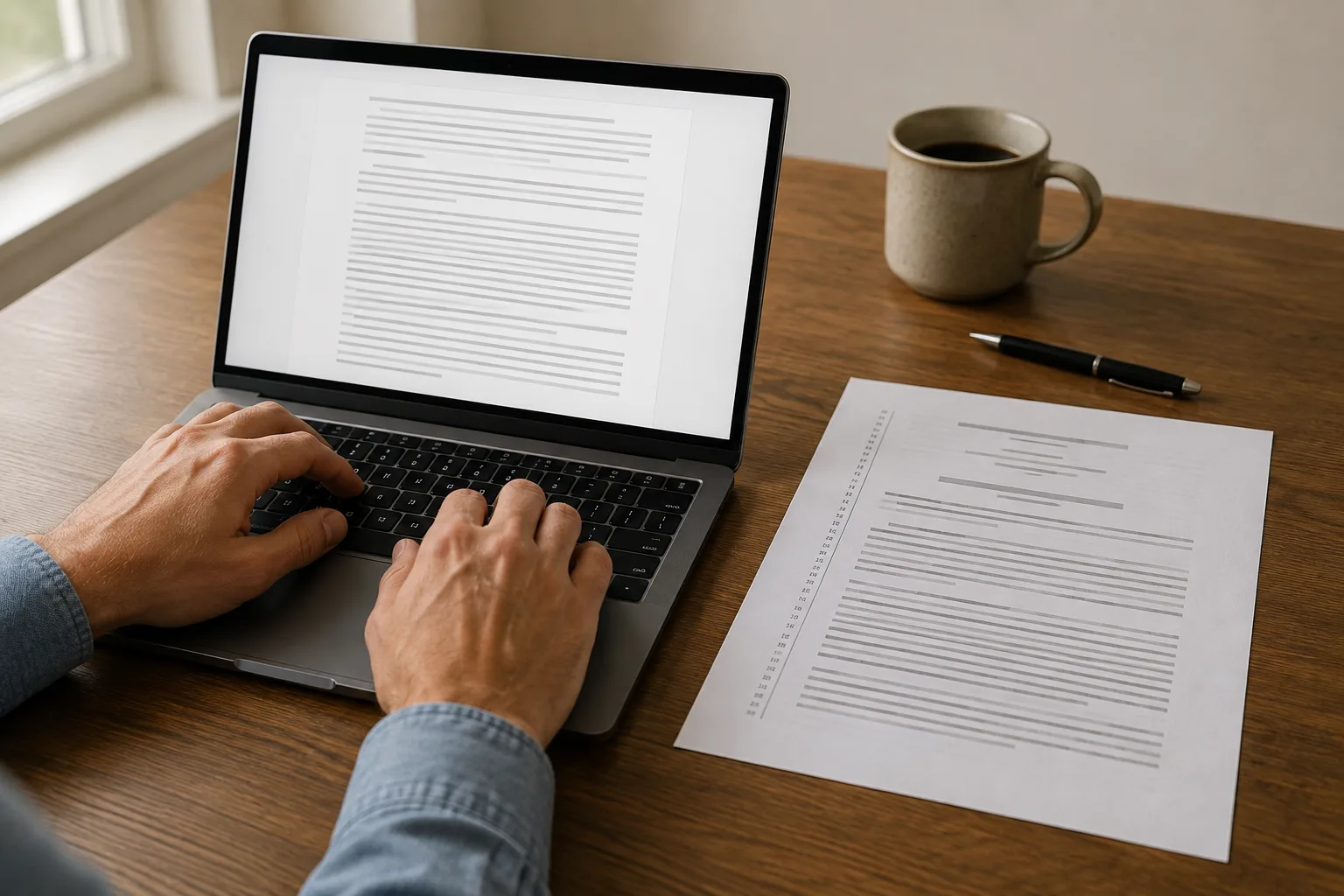
You write in a plain text field. Beside it, a live PDF preview shows the actual filing, updating as you type: numbered lines down the margin, your caption, your parties, your case number.
01
Create your case
Enter the parties, the court, and the case number once. Every pleading you draft afterward builds its caption from that record, so you never retype it.
02
Start a pleading
Pick the motion it belongs to and give it a title. The caption, the court block, and the party names are generated for you.
03
Write the body in plain text
Type your argument. Use the toolbar for headings, bold, and lists, or type the symbols directly once you know them. The PDF preview updates beside you as you write.
04
Download or build a packet
Export the finished pleading as a PDF, or assemble it with your exhibits and court forms into a single motion packet ready to file.
It works for state and federal courts nationwide. Pleading paper is a shared convention rather than one national standard, so you get the controls rather than a guess: every margin, line numbers and the margin rules on or off, and a typeface from a court-safe set of Times New Roman, Arial, and Courier equivalents.
WHO THIS HELPS
Written for anyone who has to file something
Self-represented litigants
You are not going to learn Word's section-break model the week before a hearing, and you should not have to. Markdown is about six symbols. You can hold all of it in your head after reading this page once, and the formatting stops being something that can go wrong.
Paralegals and legal assistants
Drafting in plain text means a document that cannot arrive with somebody else's styles baked into it. Numbering is generated rather than typed, so adding one late does not turn into an hour of checking cross references.
Solo and small-firm attorneys
The time you spend nudging line numbers is time you are not billing and not thinking. Write the argument in text, review the rendered pleading beside it, and export when it reads right.
QUESTIONS
Frequently asked questions
Do I need to know how to code to use Markdown?
No. Markdown is plain writing with a few punctuation marks that mean something: two asterisks around a phrase makes it bold, a hash at the start of a line makes it a heading. It was designed in 2004 to be readable as-is, before any formatting is applied. If you have ever typed *emphasis* in a text message, you have already used it.What do I actually get at the end?
A finished PDF laid out on pleading paper: numbered lines down the left margin, the caption built from your case record, your chosen margins, and a court-safe typeface. You can download it, or assemble it into a motion packet along with your exhibits and court forms.Which courts does this work for?
State and federal courts nationwide. Pleading paper is a shared convention rather than a single national standard, so ProPera Legal gives you the controls instead of guessing: set each margin, turn line numbers and the margin rules on or off, and pick a typeface from a court-safe set of Times New Roman, Arial, and Courier equivalents. Your court's local rules are the authority on what it wants, and ProPera Legal is not a law firm and does not give legal advice.How is this different from a Word template?
A template gives you correct formatting once, at the moment you open it. It has no way to keep the formatting correct while you edit. Because Markdown separates what you wrote from how it is laid out, the layout is regenerated from scratch every time you type, so it cannot drift out of alignment or lose its numbering.Does the numbering really renumber itself?
Yes, and this is the part that surprises people. Headings and numbered allegations take their number from their position in the outline, not from what you typed. Write "1." at the start of every allegation and the software works out that they are 2.1., 2.2., and 2.3. Move a section and everything under it renumbers.What if I already have a draft in Word?
Paste the text in. You will lose the Word formatting, which is the point, and you can re-mark the handful of things that matter, such as headings and emphasis, with the toolbar above each field. Numbering you had typed by hand can simply be deleted, since it is generated for you.Can I use this on my phone?
Yes. ProPera Legal runs on the web, as a desktop app for Mac and Windows, and on iPhone and Android, with your work synced across them. Plain text is far more forgiving to edit on a small screen than a word processor is.Which markdown features are supported?
Bold, italic, monospace, links, footnotes, two levels of automatically numbered headings, numbered and bulleted lists, block quotations, horizontal rules, and signature lines. Tables, images, and raw HTML are deliberately not supported, because they have no place on pleading paper. The full reference is built into the app, under every writing field.
GET STARTED
Spend the evening on your argument instead
Create a case, start a pleading, and watch the formatted document appear beside your writing. There is nothing to install and nothing to configure.
ProPera Legal is not a law firm and does not provide legal advice. Your court's own local rules are the authority on how a filing must be formatted. Always confirm them before you file.

ProPera Legal ®
First Legal Platform For The People
Tools and advocacy that help self-represented people stand up for themselves, with strength and clarity.
Hours of operation
Monday to Friday · 8:00 AM to 4:00 PM PST
Advocates also work weekends and outside business hours, so reach out anytime.
(253) 954-9897
help@properalegal.org
Stay in the loop.
Occasional updates on new tools, your rights, and the mission. We only email when it matters.
ProPera Legal provides self-help tools and advocacy. It is not a law firm and does not provide legal advice. © 2026 ProPera Legal®, a registered nonprofit.
v2.0.667